🚀 Simploy: Can Deployment Really Be This Simple?
Introducing Simploy, an ultra-simple CI/CD deployment tool born from the challenges of complex deployment processes.
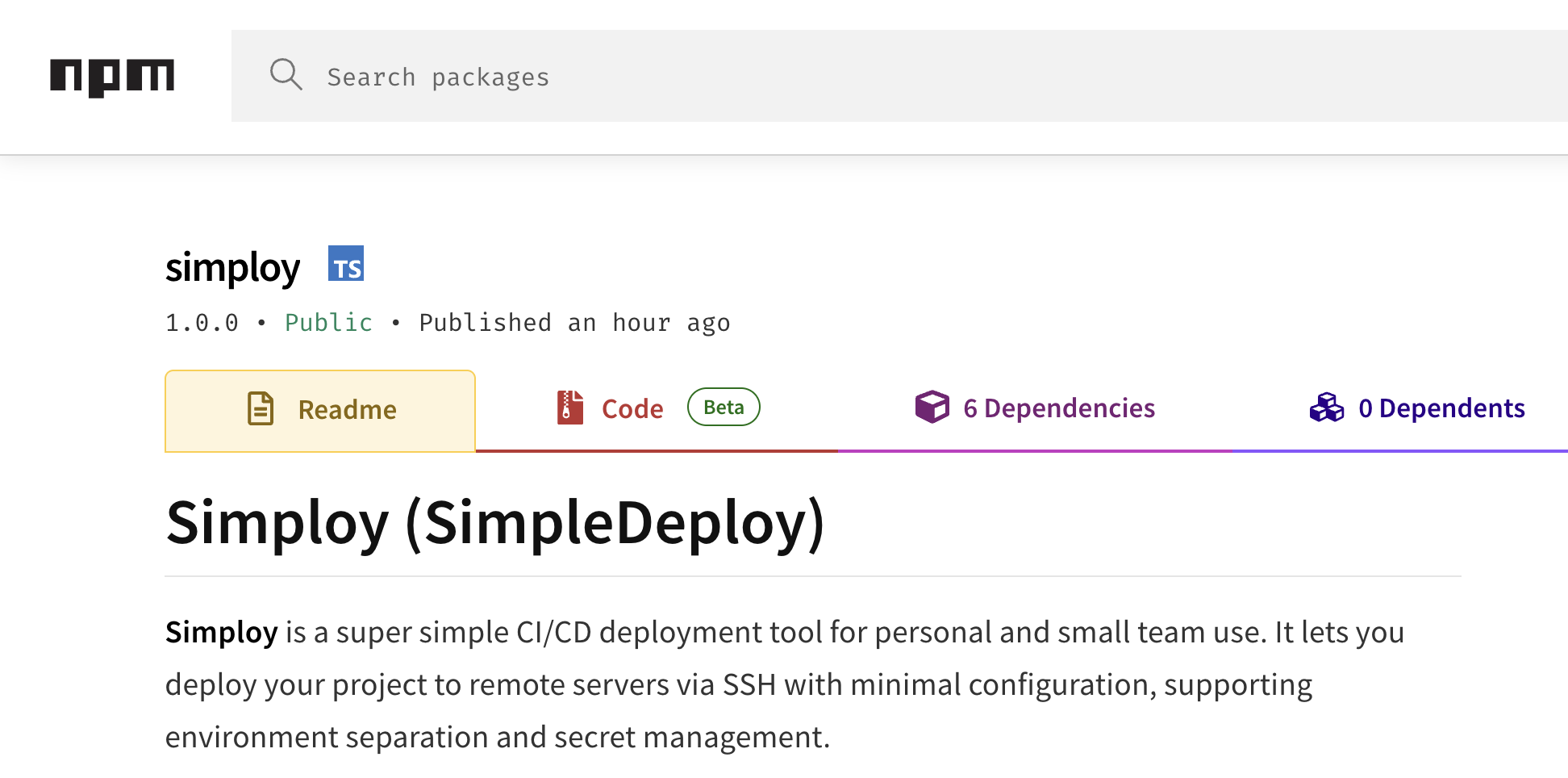
Give it a try :❘)
Why Is Deployment So Complicated?#
Every developer has faced this situation at least once: the code is finished, but the deployment process is so complicated that it feels overwhelming. This is especially true when working on a personal project or in a small team.
Large CI/CD tools offer a wealth of features, but they are complex to configure and resource-heavy. Jenkins takes considerable time to install and configure, while GitHub Actions includes limited free usage for private repositories and charges for additional usage. GitLab CI is good, but it can feel excessive for a personal project.
On the other hand, manually transferring files, connecting to a server, and running commands every time is inefficient. It is also easy to enter the wrong command or forget a file.
These concerns led me to create a library called Simploy. Short for "Simple Deploy," it aims to make deployment as simple as its name suggests.
What Is Simploy?#
Simploy is an ultra-simple CI/CD deployment tool for personal projects and small teams. It lets you transfer files to remote servers over SSH and run commands without complex configuration. It also supports environment separation and secret management while including only the features you truly need.
The core idea is simple: use a single configuration file to transfer files to a server and run a few commands. Rather than including advanced features such as complex pipelines or container orchestration, Simploy focuses on essential deployment features that people use regularly.
Key Features of Simploy#
1. Extremely Simple Configuration#
Simploy's greatest strength is its simple configuration. It uses a JSON configuration file that anyone can easily understand. There is no need to learn complicated YAML syntax or a custom DSL.
{
  "environments": {
    "dev": {
      "servers": [
        {
          "name": "web",
          "ssh": {
            "host": "${DEV_WEB_HOST}",
            "port": 22,
            "user": "${DEV_WEB_USER}",
            "password": "${DEV_WEB_PASSWORD}"
          },
          "localPath": ".",
          "remotePath": "/home/ubuntu/app",
          "transferIgnores": ["node_modules", ".git", ".env"],
          "shell": [
            "cd /home/ubuntu/app",
            "npm ci",
            "npm start"
          ]
        }
      ]
    }
  }
}
You can tell at a glance what this configuration does: it transfers the current local directory to a specific path on the server, then runs the required commands.
2. Environment Separation and Multi-Server Support#
In real-world development, development, staging, and production environments are typically managed separately. Simploy supports this separation naturally.
{
  "environments": {
    "dev": {
      "servers": [...]
    },
    "staging": {
      "servers": [...]
    },
    "production": {
      "servers": [...]
    }
  }
}
You can configure multiple servers for each environment, making it possible to deploy to several servers for load balancing. For example, you can deploy sequentially across multiple web servers in production.
3. Security-Conscious Secret Management#
Secret management is one of the biggest concerns in development. After all, you cannot hard-code server passwords, API keys, or database credentials in your code.
Simploy solves this problem with the simploy.private.json file. Store all secrets in this file, and it is automatically added to .gitignore to prevent accidental commits to your Git repository.
{
  "DEV_WEB_HOST": "your.dev.server.com",
  "DEV_WEB_USER": "ubuntu",
  "DEV_WEB_PASSWORD": "your-secure-password",
  "PROD_DB_PASSWORD": "super-secret-password"
}
The configuration file can reference variables using the $ format, keeping secrets cleanly separated from regular configuration.
4. Ready-to-Use npx Support#
A common development practice today is to avoid global installations and use npx instead. Simploy follows this trend by supporting immediate use through npx.
# Global installation
pnpm add -g simploy
simploy init
simploy deploy --env dev

# Or use it directly with npx
npx simploy init
npx simploy deploy --env dev
Because no global installation is required, you can quickly set up a deployment environment when starting a new project.
5. Smart File Transfers#
Simploy provides several optimizations for file transfers. The transferIgnores option excludes unnecessary files, while remoteIgnoresWhenClean specifies files that should not be deleted from the server.
{
  "transferIgnores": ["node_modules", ".git", ".env", "*.log"],
  "remoteIgnoresWhenClean": [".env", "uploads/"]
}
This improves speed by transferring only necessary files while protecting important files on the server.
Real-World Use Cases#
Personal Blogs and Portfolio Sites#
Simploy is especially convenient when deploying a personal site built with Next.js, Nuxt.js, React, or a similar framework to a VPS. You can automate everything from build to deployment and publish each new post with a single simple command.
Prototype Development#
When developing a prototype quickly, there is no time to build a complex CI/CD pipeline. With Simploy, you can set up a deployment environment in minutes and share the prototype with your team.
Client Projects#
Freelancers and agencies often need to deploy directly to a client's server. Each client may have a different server environment, but you can easily adapt by changing only the Simploy configuration file.
Small Team Projects#
Startups and small teams have limited resources, making complex DevOps tools difficult to adopt. With minimal configuration, Simploy gives the entire team a consistent deployment process.
Usage Guide#
1. Install and Initialize#
# Global installation (recommended)
npm install -g simploy

# Initialize the project
simploy init
Running the simploy init command creates two files:
- simploy.json: Main configuration file
- simploy.private.json: Secrets file (automatically added to .gitignore)
2. Edit the Configuration Files#
Modify the generated configuration files to suit your project. Configure server details, deployment paths, commands to run, and other settings.
3. Deploy#
# Deploy to the development environment
simploy deploy --env dev

# Deploy to the production environment
simploy deploy --env production
Deployment progress appears in real time, and if a problem occurs, you can clearly see which step failed.
Comparison with Other Deployment Tools#
vs GitHub Actions#
- GitHub Actions: Powerful workflow engine and broad integration support, but private repositories have limited free usage
- Simploy: Simple configuration, ready to use, and completely free, but limited in functionality
vs Jenkins#
- Jenkins: Extremely powerful and extensible, but complex to install and configure, with high resource usage
- Simploy: Ready to use without installation and requires minimal configuration, but lacks advanced features
vs Docker + Docker Compose#
- Docker: Consistent environments and scalability, but has a learning curve and complex configuration
- Simploy: Uses your existing server environment and can be adopted immediately, but provides less environment consistency
Installation and Usage#
# Global installation
npm install -g simploy

# Or use it directly with npx
npx simploy init
npx simploy deploy --env devGitHub: https://github.com/JunDev76/simploy
npm: https://www.npmjs.com/package/simploy
I hope Simploy makes your deployment process at least a little easier. Give it a try, and if you have feedback or ideas for improvement, feel free to share them on GitHub! 🚀